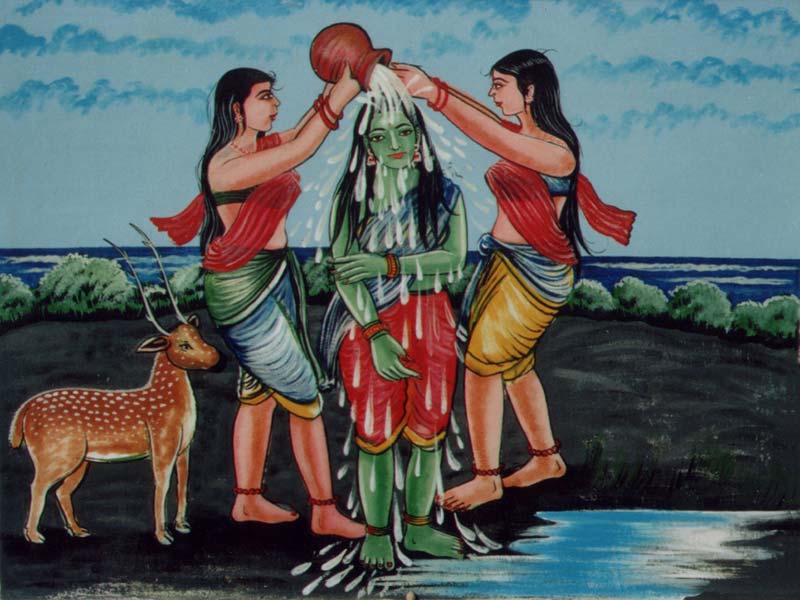
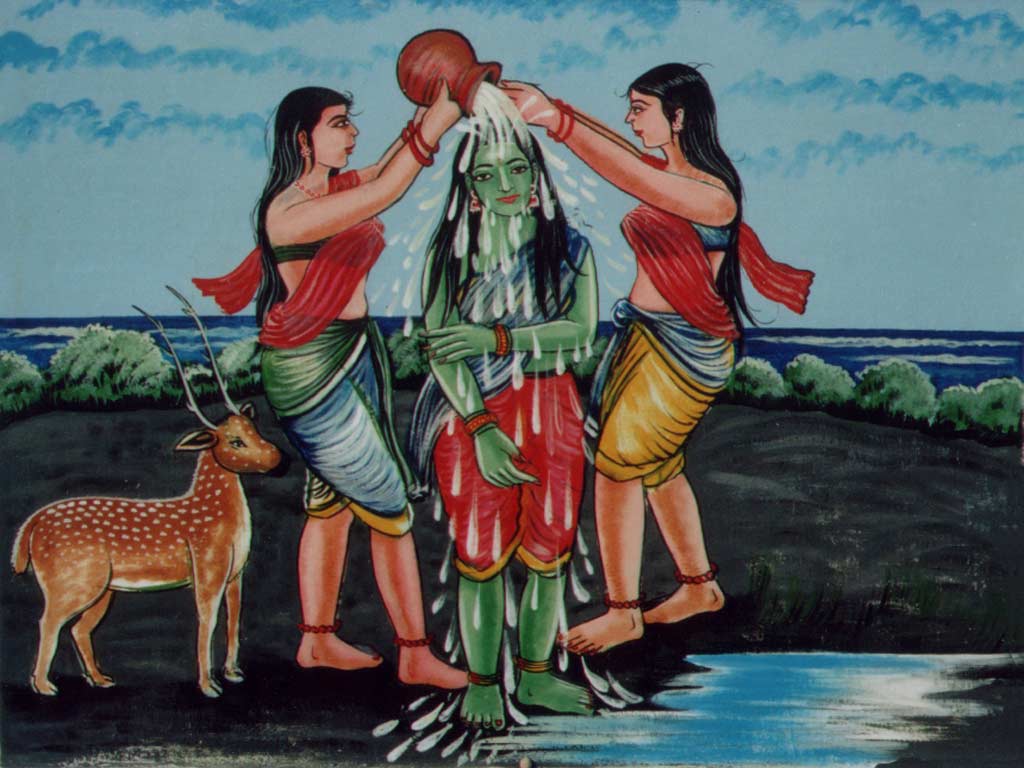
Tiru Murugan screensaver
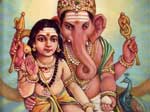
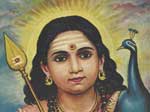
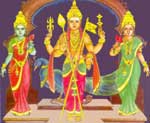
Brighten up your day with a customized Murugan Bhakti screensaver featuring these six changing aspects of Tiru Murugan:
Click on the image below to download Tiru Murugan screensaver (2,172 kb). An installation wizard will guide you.
OR download Śrī Jñāna Pandita desktop wallpaper
Śrī Jñāna Pandita: Murugan as Expositor of Gñosis with His symbols the Vēl (Axis Mundi or Spear of Wisdom) and vehicle/totem the peacock/phoenix. Behind Him dawns the rising sun symbolising the Awakened Mind (Bodhi).
Murugan as Śrī Jñāna Pandita, Expositor of Gnosis with His symbols the Vēl Āyudha or Spear of Wisdom and vehicle/totem the Peacock - Phoenix. Behind Him rises the morning Sun symbolising the awakened state (bodhi) of the jñāni or Comprehensor.
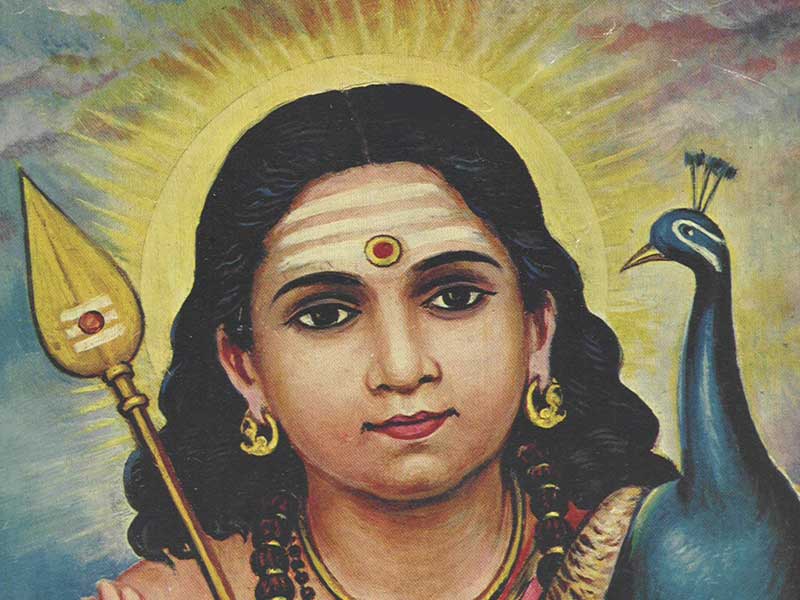
Jñāna Pandita for 800x600 pixel display (60 kb)
|
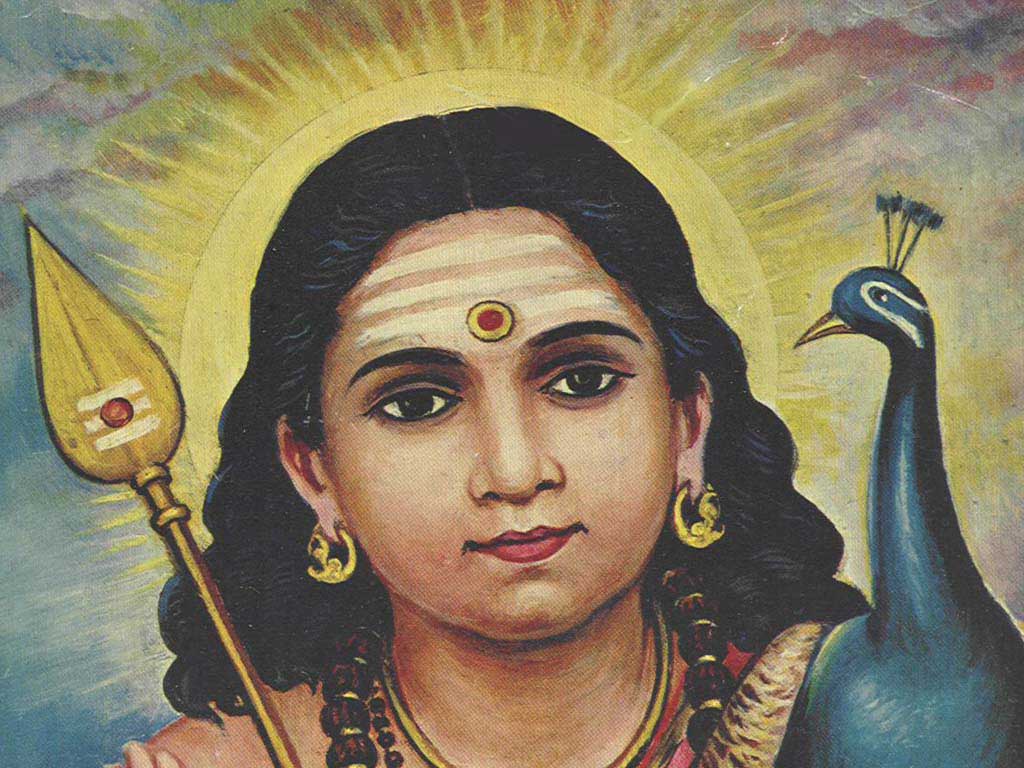
Jñāna Pandita for 1024x768 pixel display (108 kb)
|
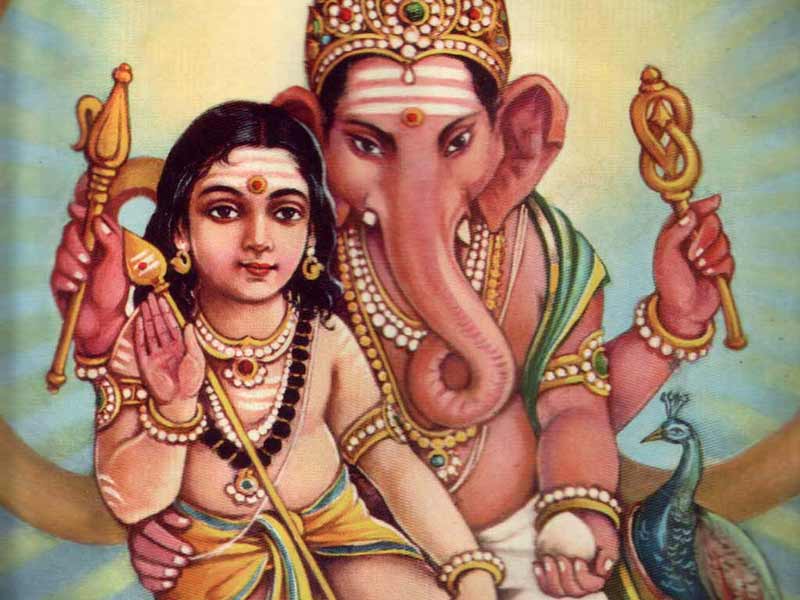
Murugan-Ganapati for 800x600 pixel display (57 kb)
|
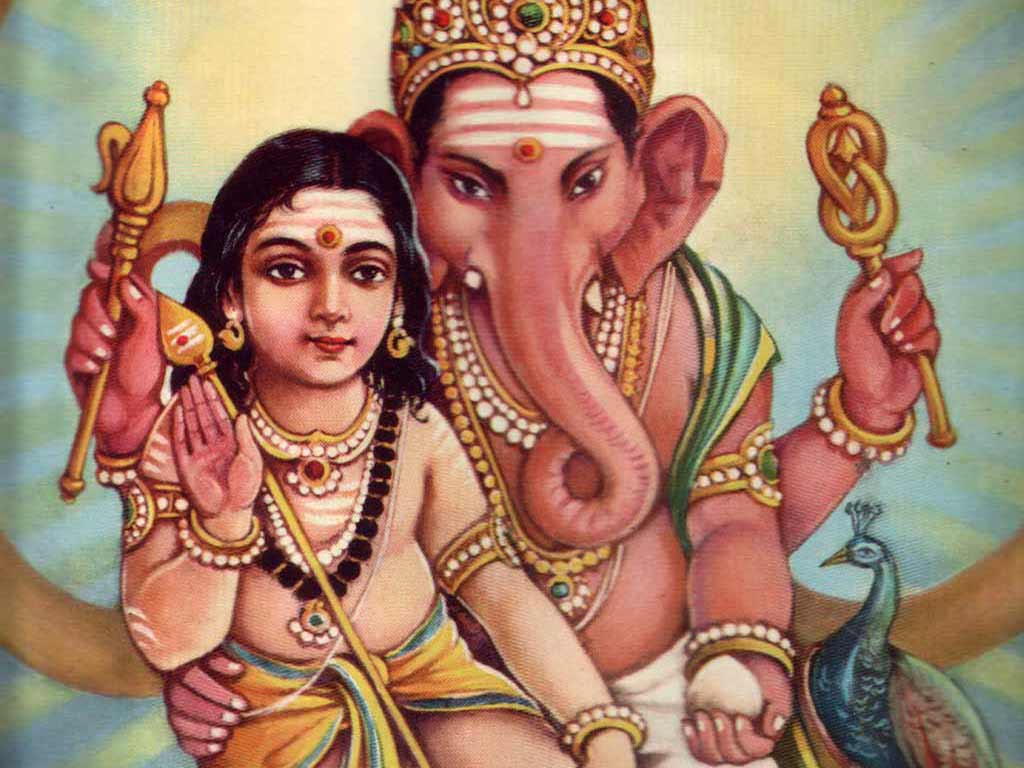
Murugan-Ganapati for 1024x768 pixel display (84 kb)
|
Okanda Valli Ammal for 800x600 pixel display (69 kb)
|
Okanda Valli Ammal for 1024x768 pixel display (89 kb)
|
Directions:
- Allow the graphic files time to display fully.
- Click upon the picture size matching your display monitor size in pixels (choose 800x600 if you are not sure).
- RIGHT-click upon the full-size image.
- On your pull-down menu go to File > Save As...
- Save the file to a folder on your hard drive.
- Go to Start > Settings > Control Panel > Display > Background
- Use the "browse" function to point at the file you have saved on your hard drive.
- Picture Display setting should be 'center'
- Press 'apply' and then 'okay'
- Your desktop should display the selected picture.

|